























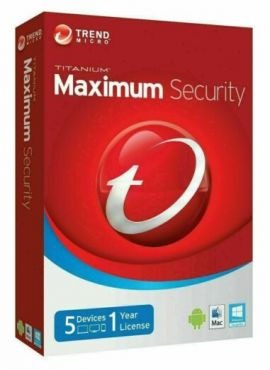
Trend Micro Maximum Security (5 Devices, 1 Year)

Trend Micro Maximum Security (5 Devices, 1 Year)

Brand: Maximum Security
1399.00 3499.00 -60% OFF
Quantity:
- +
shipping
Fast Delivery

Fast Delivery on all orders

support
24/7 Support

Always here just for you

  • Description
  • Customer Reviews
  • How to Use
  • Support Details
Description

Trend Micro Maximum Security (5 Devices, 1 Year) offers all-in-one protection for your family’s digital life. It safeguards PCs, Macs, smartphones, and tablets from viruses, ransomware, malware, and phishing attacks. It features advanced AI learning, secure online banking tools, social media privacy protection, web threat blocking, and parental controls. With one license, you can protect up to 5 devices, ensuring seamless security across all platforms without slowing your system. 

0.0

(0 Ratings)

5
0
4
0
3
0
2
0
1
0

0 Comments

Sort by:
Most Recent

⚙️ How to Use / Activate

  1. Download the Trend Micro Maximum Security installer from the official Microsoft Store / Trend Micro site:
  2. 👉 https://apps.microsoft.com/detail/xpddzt40fn9rht?gl=US&hl=en-US Microsoft Store
  3. Run the setup file and follow the on-screen instructions to complete installation.
  4. Open the Trend Micro Maximum Security application.
  5. Choose Activate / Enter License Key in the dashboard.
  6. Enter your 25-digit license code and click Activate.
  7. The software will validate and activate the license across your account.
  8. Install the software on the other devices using the same license.
  9. Run a Full System Scan and ensure features such as real-time protection, web threat blocking, and AI learning are enabled.


Support Details Here

New Products

Browse our New Products

WhatsApp Chat WhatsApp Chat